

You've shot your short film, dumped the cards, and now you're staring at a timeline full of clips with no clear path forward. Editing a short film is not about fancy transitions or flashy effects—it's about structure, pacing, and sound. This guide walks you through a repeatable workflow you can use in Premiere Pro, DaVinci Resolve, Final Cut Pro, or any NLE.
1. Organize Before You Cut
Before you drag a single clip onto the timeline, spend 30–60 minutes organizing. This step saves hours later.
- Create a clear folder structure:
01_Footage,02_Audio,03_Graphics,04_Exports. Inside01_Footage, sort by scene or shoot day. - Rename clips meaningfully:
SC01_A001_Take03tells you more thanMVI_4821.MP4. - Sync audio first: If you shot dual-system sound, sync external audio to camera scratch tracks using waveform sync (Premiere's Synchronize, Resolve's Auto Sync). Do this before editing.
- Mark selects: Watch every take and flag the best performances with markers or a
SELECTSbin. Don't edit from raw dailies.
2. Build a Rough Cut Fast
Your first pass is about story, not polish. Work fast and resist the urge to perfect individual cuts.
- Lay out the spine: Place the strongest take of each scene in script order. Don't worry about trimming yet.
- Cut for story logic: Ask of every scene, "Does this move the story forward?" If not, cut it or shorten it.
- Use J and L cuts early: Overlap audio from the next scene before the picture cuts (J cut) or let audio trail after the picture cuts (L cut). This makes dialogue feel natural and hides awkward transitions.
- Ignore color and effects: Leave that for later. A rough cut should look ugly but tell the story clearly.
A useful rule: if you're spending more than two minutes on a single cut in the rough cut phase, move on and come back.
3. Refine Pacing and Rhythm
Pacing is where short films live or die. A 10-minute short with sluggish pacing feels like 30 minutes; a tight 10-minute short feels like 5.
- Cut on action and reaction: Trim frames so cuts land on movement or a change in expression, not mid-sentence.
- Watch for dead air: Remove pauses at the start and end of every clip. Two frames of silence before dialogue can kill momentum.
- Vary shot length: Fast cuts create tension; long holds create weight. Alternate deliberately.
- Do a pass with sound off: If the story still reads visually, your visual pacing is working.
- Do a pass with picture off: If the audio alone tells the story, your sound design is on track.
4. Sound Design Makes It Feel Professional
Audiences forgive imperfect visuals faster than bad audio. Treat sound as half the edit.
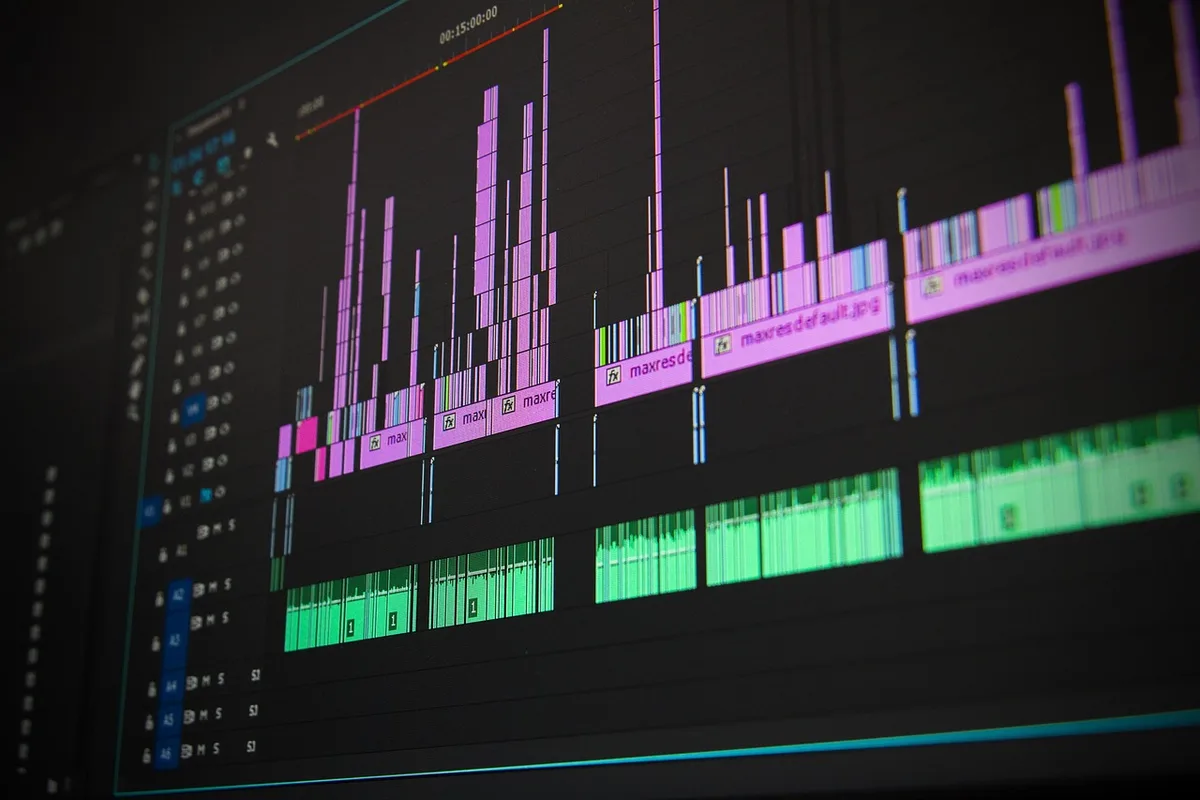
- Clean dialogue first: Use EQ to cut low rumble (high-pass around 80–100 Hz), reduce harshness (subtle cut around 3–5 kHz), and normalize levels to around -12 dB average.
- Add room tone: Lay a continuous room tone under every scene to avoid jarring silence between cuts.
- Layer ambience: Birds, traffic, room hum—these fill gaps and ground the scene.
- Use music sparingly: Music should support emotion, not dictate it. Duck music under dialogue with automation or sidechain compression.
- Add Foley and hard effects: Footsteps, door closes, cloth rustle. These small sounds make the picture feel real.
5. Color, Titles, and Final Polish
Once picture and sound are locked, move to finishing.
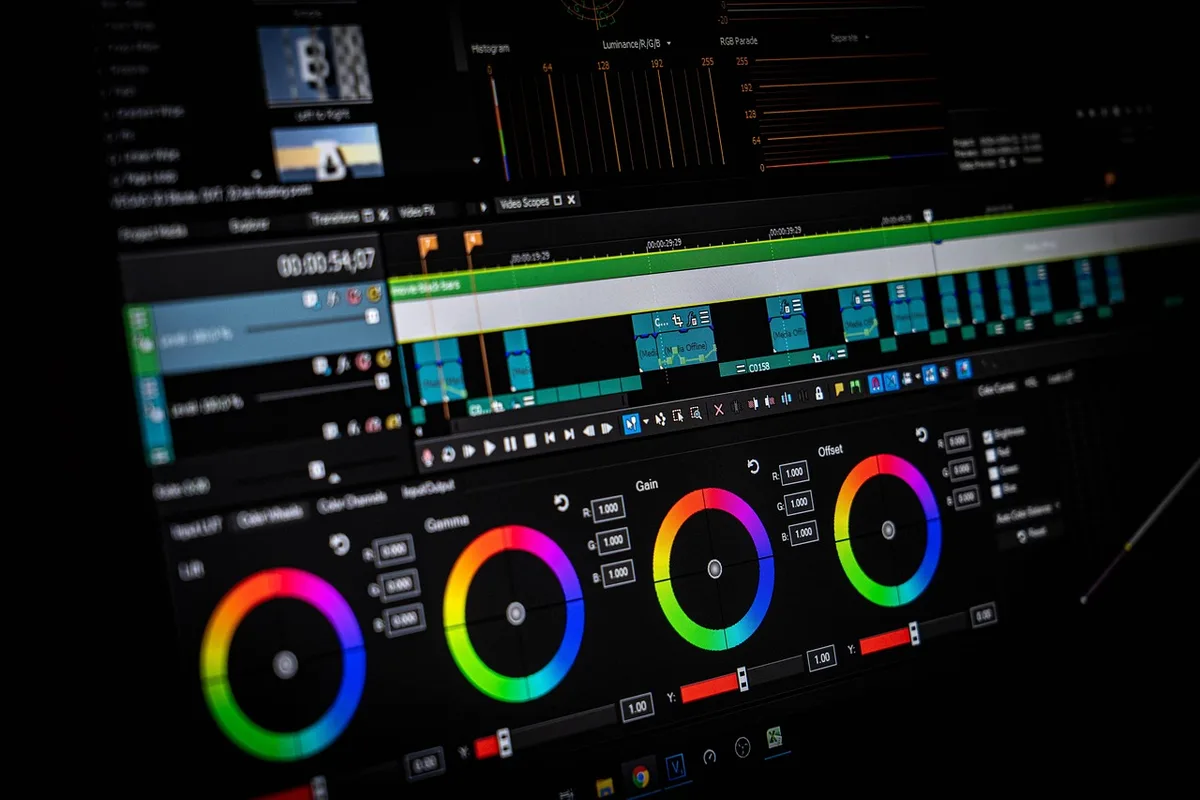
- Color correction then grading: First correct exposure and white balance shot by shot, then apply a consistent look across scenes.
- Keep titles simple: A clean lower-third or title card in a readable font beats animated text that distracts.
- Check continuity: Watch for jump cuts, mismatched eyelines, and props that move between shots.
- Get feedback: Show it to two or three people who haven't seen the footage. Ask, "Where did you get bored?" not "Did you like it?"
6. Export Settings That Don't Ruin Your Film
Export settings matter more than most editors think. A great edit can look amateur with the wrong codec.
- Master export: H.264, 1080p or 4K, 10–20 Mbps for web; ProRes 422 for festivals or further grading.
- Audio: AAC, 48 kHz, stereo, around -14 LUFS for online platforms.
- Check frame rate: Match your project frame rate exactly (23.976, 24, 25, or 30). Mismatches cause stutter.
- Watch the full export: Don't trust the timeline preview. Play the exported file start to finish before delivering.
Practical Takeaway
Start your next short film edit by spending one hour on organization and selects before touching the timeline. Then build a rough cut in a single sitting without perfecting cuts. This one habit—separating assembly from refinement—will cut your editing time in half and produce a stronger story.
If you'd rather hand the timeline to someone who does this every day, MLHMTECH offers professional video editing and content production services for creators and brands who want polished results without the learning curve. Visit mlhmtech.com to see how they can help.