
You've shot a beautiful wedding, but now you're staring at 500GB of footage and a deadline. Editing a wedding video isn't just about cutting clips—it's about telling a story that makes people feel something. Whether you're a freelance editor or a couple doing it yourself, this guide walks you through a proven workflow for how to edit wedding videos that look cinematic and hit the right emotional notes.
1. Organize Your Footage Before You Touch the Timeline
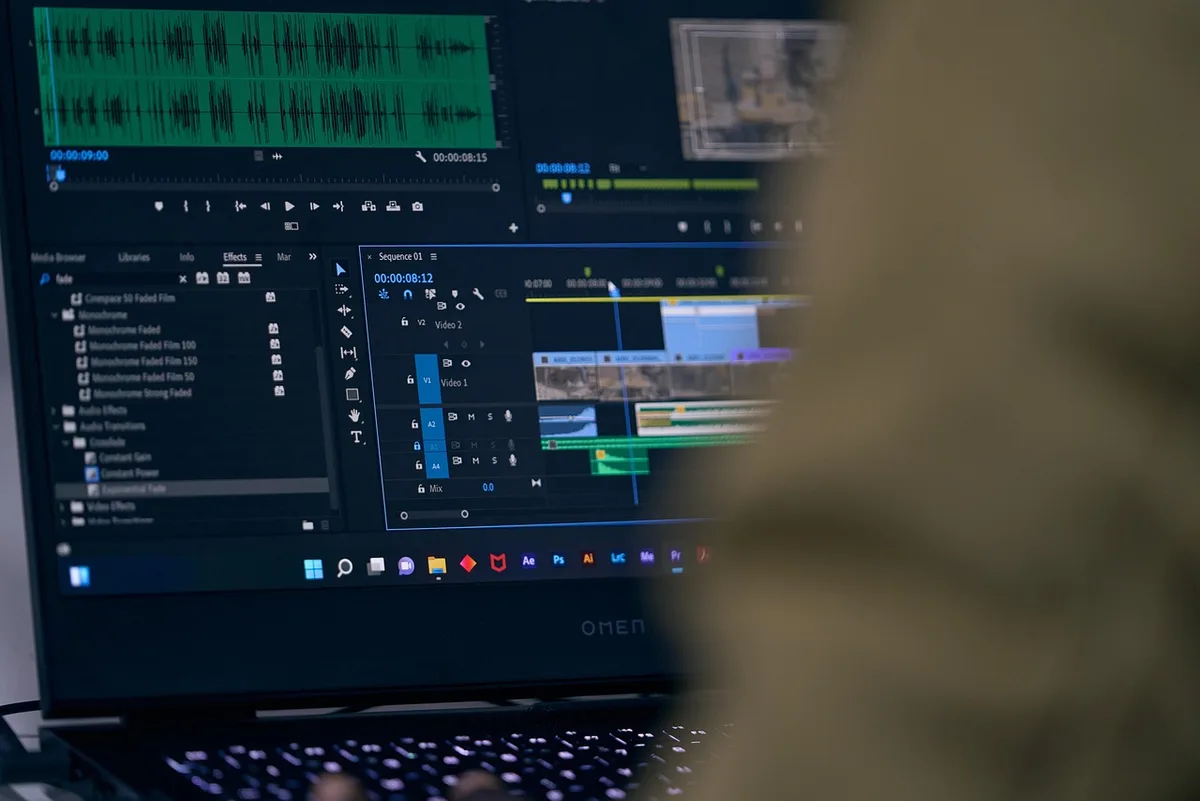
The biggest time-waster in wedding editing is disorganization. Before you open Premiere Pro or DaVinci Resolve, spend 30 minutes sorting your files.
- Create a clear folder structure: Use folders like
01_Footage,02_Audio,03_Graphics,04_Exports. Inside01_Footage, subfolder by camera or scene (e.g.,Ceremony,Reception,Prep). - Rename clips meaningfully: Instead of
A001_C003, rename toCeremony_FirstKiss_01. This makes finding shots instant. - Use markers in your NLE: In Premiere Pro, use the Marker panel (press
M) to flag key moments like vows, first dance, or speeches. In DaVinci Resolve, use the Flag tool. - Sync audio early: If you recorded separate audio (lav mics, Zoom recorder), sync it now using PluralEyes or Resolve's Auto Sync. Don't leave it for later.
2. Build a Story Arc, Not Just a Highlight Reel
A wedding video should have a beginning, middle, and end—even if it's only 5 minutes long. Think of it as a mini-documentary.
- Start with anticipation: Use prep footage (getting ready, nervous laughter, details like rings and dress) to set the scene.
- Build to the ceremony: The ceremony is the emotional core. Include key moments: processional, vows, rings, first kiss. Don't show every second—cut between wide shots and close-ups.
- Transition to celebration: Reception footage (entrance, first dance, speeches, dancing) should feel energetic. Use faster cuts and music to shift the mood.
- End with reflection: A final shot of the couple alone, a sunset portrait, or a quiet moment from the day. Fade to black with their names and date.
Pro tip: Watch the raw footage and note timestamps of the most emotional moments—a tear during vows, a laugh during speeches. These are your anchor points.
3. Choose Music That Fits the Couple's Vibe
Music sets the tone. Don't just pick a trending track—choose something that matches the couple's personality and the story you're telling.
- Licensed music is non-negotiable: Use platforms like Musicbed, Artlist, or Soundstripe. Wedding videos often get shared online, and copyright strikes can ruin the couple's experience.
- Match tempo to editing pace: Slow, acoustic tracks work for ceremony and prep; upbeat, percussive tracks fit the reception. Use the song's build-ups and drops to guide your cuts.
- Avoid clichés if possible: "Perfect" by Ed Sheeran is overused. Look for indie folk or instrumental pieces that feel personal.
4. Edit to the Beat (But Don't Overdo It)
Cutting on the beat can make a highlight reel feel polished, but wedding videos aren't music videos. Use beat cuts sparingly—mainly in the reception or montage sections.
- Mark the beat: In Premiere Pro, use the Pen tool to add markers on the audio track at each beat. Then snap your cuts to those markers.
- Vary cut lengths: Constant beat cuts feel robotic. Mix in longer takes during emotional moments (vows, speeches) to let the moment breathe.
- Use J and L cuts: Overlap audio from the next scene before the video cuts (J cut) or let audio from the previous scene continue (L cut). This makes transitions feel natural.
5. Color Grade for Consistency and Mood
Wedding footage often comes from multiple cameras with different color profiles. Your goal is to make everything look cohesive and flattering.
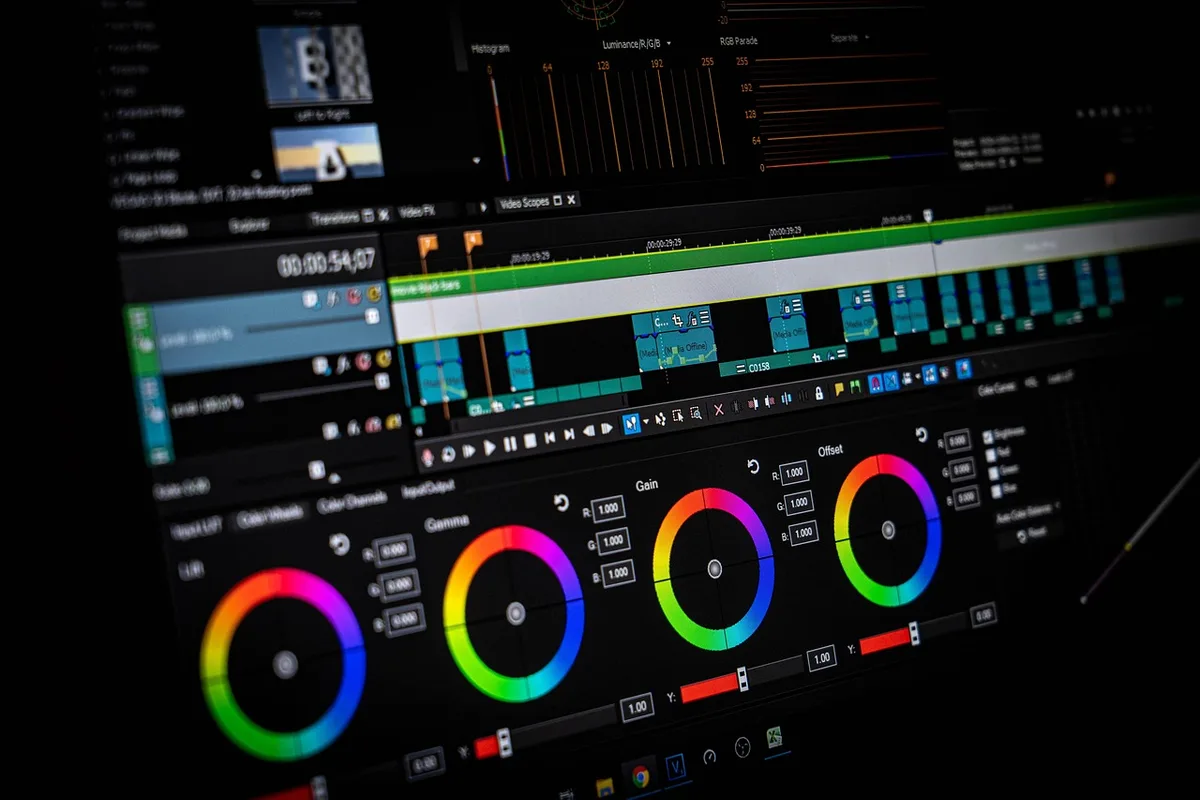
- Start with correction: In DaVinci Resolve, use the Color Match tool to match clips from different cameras. In Premiere Pro, use Lumetri Color's Comparison view.
- Warm up skin tones: Weddings are about people. Use a slight warm tint (increase temperature) and lift shadows slightly to keep faces looking natural.
- Create a subtle look: Avoid heavy filters. A gentle film emulation (like FilmConvert) or a slight S-curve on the RGB curves adds polish without looking fake.
- Check on multiple screens: Grade on a calibrated monitor, then check on a phone—most guests will watch on mobile.
6. Mix Audio Like a Pro (Even If You're Not One)
Bad audio ruins a wedding video faster than bad video. Follow these steps:
- Clean up dialogue: Use noise reduction (iZotope RX or Premiere's DeNoise) on vows and speeches. Remove hum and wind.
- Balance levels: Set dialogue to -12dB to -6dB, music to -18dB to -12dB, and ambient sound to -24dB. Use a limiter on the master to prevent clipping.
- Duck music under speech: Use keyframes or Premiere's Auto Ducking to lower music by 6-10dB when someone is talking.
- Add room tone: If you cut between clips, add a layer of ambient room tone to avoid awkward silence.
7. Add Titles and Graphics Tastefully
Less is more. A simple lower-third with the couple's names and date is often enough.
- Use a clean font: Sans-serif like Montserrat or serif like Playfair Display. Avoid script fonts that are hard to read.
- Keep animations subtle: A gentle fade or slide is better than a spinning logo.
- Include a closing card: "Thank you" or a quote from the couple, plus your contact info if you're the videographer.
8. Export Settings That Preserve Quality
Don't undo your hard work with a bad export.
- For online sharing: H.264, 1080p, 10-20 Mbps bitrate. This balances quality and file size.
- For Blu-ray or archive: Use ProRes 422 or DNxHD for higher quality.
- Check the final file: Watch the exported video on a phone and a computer before delivering. Look for audio sync issues or color shifts.
9. Get Feedback and Revise
If you're editing for a couple, send a watermarked draft for review. Ask specific questions: "Is the ceremony section too long?" "Do you want more dancing footage?" Limit revisions to two rounds to avoid endless tweaks.
Practical Takeaway: Start with a Story Outline
Before you edit a single clip, write a one-paragraph outline of the story you want to tell. Who are these people? What was the most emotional moment? How do you want the viewer to feel at the end? This outline becomes your roadmap and keeps you from getting lost in the footage. Try it on your next wedding edit—you'll save hours and deliver a more cohesive film.
If you'd rather hand off the editing to professionals, MLHMTECH offers expert video editing and content production services for creators and brands. Visit mlhmtech.com to see how they can bring your wedding footage to life.