
You've shot 80 hours of interviews and B-roll, and now you're staring at a timeline that feels like a mountain you can't climb. Documentary editing is not like cutting a scripted scene—there's no script, no second take, and the story only reveals itself in the edit. Here's the exact workflow professional documentary editors use to turn chaos into a clear, emotional film.
Start with a Paper Edit, Not the Timeline
Before you touch a single clip in Premiere Pro or DaVinci Resolve, you need to know what the story is. A paper edit is a written outline of your documentary's structure based on transcripts, not footage. It forces you to think narratively before you get lost in the timeline.
- Transcribe everything. Use services like Rev, Trint, or Adobe Premiere's built-in Speech to Text. You need searchable text for every interview.
- Highlight key quotes. Read through transcripts and mark the strongest soundbites—the moments that reveal character, conflict, or stakes.
- Build a story spine. Write a one-paragraph summary of your film's beginning, middle, and end. Then list the scenes that support that arc.
- Create a string-out. In your editing software, assemble only the selected interview bites in story order. No B-roll, no music—just the spoken narrative.
This string-out is your documentary's skeleton. It will be rough, but it tells you if the story works before you spend weeks polishing visuals.
Organize and Ingest Footage Like a Pro
A messy project is a slow project. Before you edit a single frame, set up a folder structure and metadata system that scales.
- Create a master folder with subfolders for Footage, Audio, Graphics, Project Files, and Exports.
- Use proxies. Documentary footage is often 4K or higher, and transcoding to lightweight proxies (ProRes Proxy or DNxHR LB) will keep your timeline responsive. Both Premiere Pro and DaVinci Resolve have one-click proxy workflows.
- Add metadata. In your NLE, tag clips by scene, subject, location, and shot type. This makes searching for "wide shot of river at sunset" instant instead of a 20-minute scroll.
- Sync audio and video. Use timecode or waveform sync for dual-system sound. Premiere's Synchronize command or Resolve's Auto Sync will save hours.
Once your project is organized, you can edit with confidence—and hand off to a co-editor without a headache.
Build the Rough Cut in Passes
New editors try to make the rough cut perfect. Documentary editors know the rough cut is about finding the story, not polishing. Work in distinct passes:
- Pass 1: Assembly. Lay out all selected interview bites in order. Don't worry about pacing or B-roll. Just get the narrative down.
- Pass 2: Structure. Rearrange scenes, add transitions, and cut redundant soundbites. This is where you shape the emotional arc.
- Pass 3: B-roll and visuals. Now cover interview cuts with relevant footage. Use B-roll to illustrate what's being said, not to decorate.
- Pass 4: Sound design and music. Add ambient sound, music cues, and sound effects. Keep dialogue clear—music should support, not compete.
Each pass has a single focus. This prevents overwhelm and keeps you moving forward.
Cut Interviews for Emotion, Not Information
Documentary interviews are the heart of your film, but raw answers are rarely tight. The goal is to preserve authenticity while removing filler.
- Cut on natural pauses. Remove "ums" and "ahs" but keep breaths that feel human. Over-cutting makes subjects sound robotic.
- Use J-cuts and L-cuts. Let audio from one clip play over the video of another to create smooth, natural transitions between ideas.
- Hide cuts with B-roll. When you need to jump-cut an interview, cover the edit with a cutaway to B-roll or a different angle.
- Respect the subject. Don't manipulate quotes to change meaning. Ethical editing builds trust with your audience.
A good rule: if a soundbite doesn't advance the story or reveal character, cut it—no matter how much you like the person.
Use B-roll to Tell, Not Decorate
B-roll in documentaries isn't just filler—it's visual storytelling. The best B-roll sequences add context, mood, and subtext.
- Match B-roll to the narration. If the subject says "I grew up near the ocean," show the ocean—but also show their face reacting. Emotion lives in the reaction.
- Create montages for time passage. Use a series of short clips with music to show a process or the passage of time.
- Use archival footage carefully. Always check rights and clearances. For historical docs, sites like Archive.org and Getty Images can be goldmines, but budget for licensing.
- Don't overuse slow motion. It can feel manipulative in a documentary. Use it sparingly for emphasis.
When in doubt, ask: does this shot help the viewer understand something new? If not, cut it.
Sound Design and Music: The Invisible Storyteller
Viewers forgive imperfect visuals, but they never forgive bad audio. Documentary sound design is about creating a believable world.
- Clean up dialogue. Use tools like Adobe Audition's DeNoise or iZotope RX to remove background hum, wind, and clicks. Always keep a backup of the original audio.
- Add room tone. Record a few minutes of silence on location. Use it to fill gaps between edits so the audio doesn't sound choppy.
- Layer ambient sounds. Birds, traffic, footsteps—these subtle sounds make scenes feel real. Sites like Freesound.org offer free ambient libraries.
- Choose music that serves the story. Avoid tracks that tell the viewer how to feel. Instead, use music to bridge scenes or underscore pivotal moments. Always license music properly.
A well-mixed documentary feels effortless. That's the goal.
Color Grade for Consistency and Mood
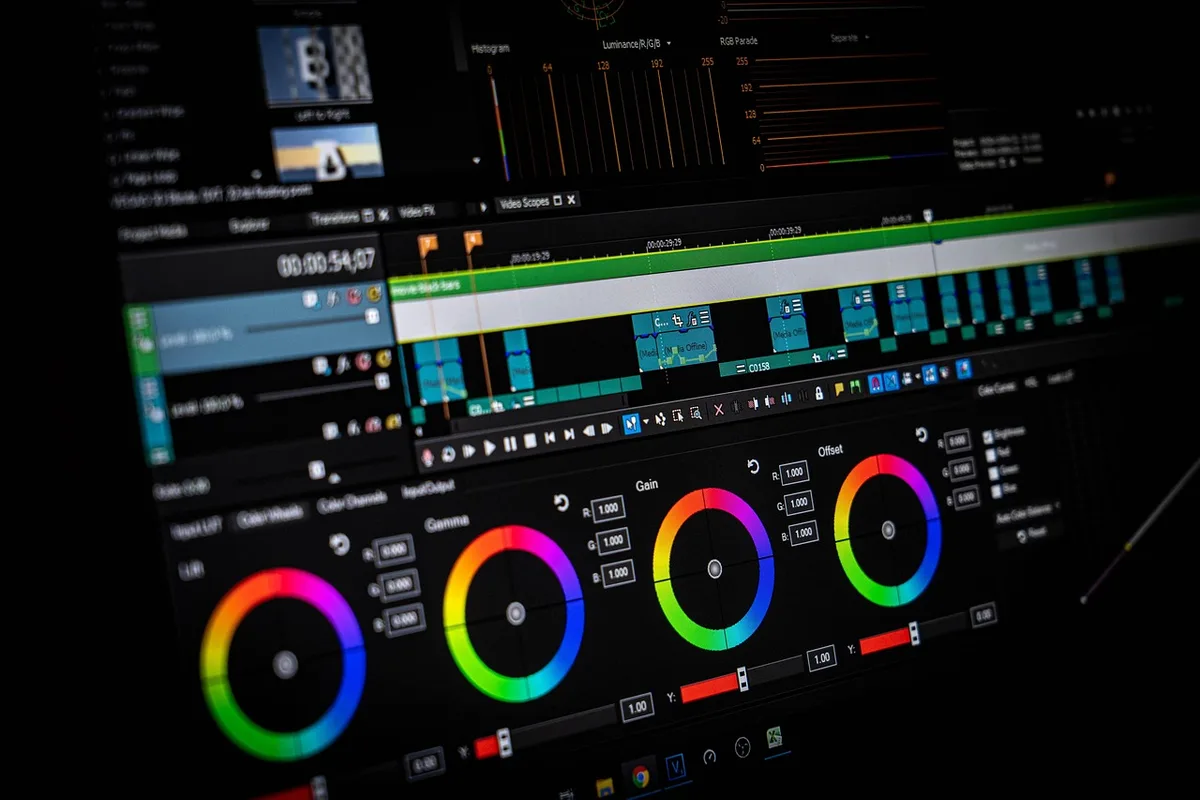
Documentary footage is often shot in mixed lighting and different cameras. Color grading unifies the look and sets the tone.
- Balance first. Use your NLE's scopes (waveform, vectorscope) to correct exposure and white balance shot by shot.
- Match shots. Use DaVinci Resolve's shot match feature or manually adjust to make interviews look consistent.
- Create a look. Apply a subtle LUT or grade that fits the documentary's mood—warm and nostalgic, cool and investigative, etc. Keep it natural; over-grading looks amateur.
- Check on different screens. What looks good on your calibrated monitor might look dark on a phone. Test on multiple devices.
Color is the final polish that makes your documentary feel cinematic.
Review, Refine, and Export
Before you export, watch your cut with fresh eyes—ideally after a night's sleep. Then:
- Do a paper edit review. Watch with a notebook and jot down moments that drag, confuse, or feel unnecessary.
- Get feedback from someone who hasn't seen the footage. They'll catch holes in the story you missed.
- Trim ruthlessly. If a scene doesn't move the story forward, cut it. Documentaries are made in the edit.
- Export with the right settings. For festivals, use ProRes 422 HQ or DNxHR HQX. For web, H.264 with a high bitrate. Always include captions for accessibility.
The Takeaway
Start with a paper edit, organize your footage with proxies and metadata, and build your cut in focused passes. Cut interviews for emotion, use B-roll to tell the story, and never underestimate sound design and color grading. Your first documentary won't be perfect—but following this workflow will get you to a finished film that resonates.
If you'd rather focus on directing and let someone else handle the timeline, MLHMTECH offers professional video editing and content production services for creators and brands. Visit mlhmtech.com to see how they can bring your documentary to life.