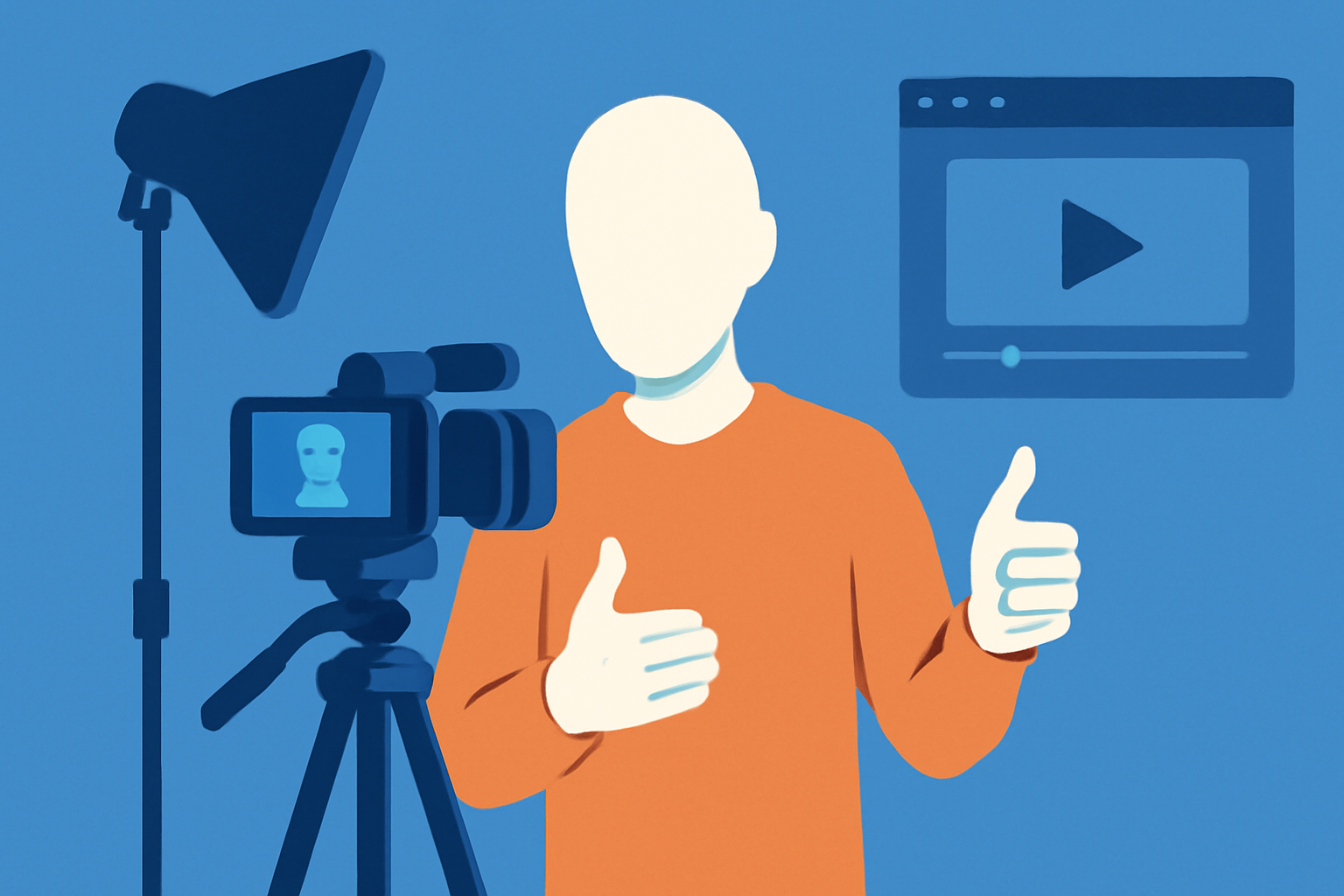


I've met a lot of people who want to make video content and are stopped cold by a single assumption: that video means them, talking, to a camera, showing their face. And since they hate being on camera — the self-consciousness, the nerves, the whole ordeal — they conclude video isn't for them and don't make any, missing out on the most powerful content format there is because of a belief that isn't even true. They've decided the door is locked, when it was never locked; they were just standing in front of the wrong door.
Here's the thing that assumption gets wrong: an enormous amount of the most effective video content shows no face at all. Screen recordings, voiceover over footage, animation, text-on-screen, product and hands-on shots — a huge share of successful video, across every platform, is faceless, and much of it works as well as or better than talking-head content. The idea that you must be on camera to make video is simply false, a rule that exists only in people's heads, and dropping it opens up video to everyone who was avoiding it because they didn't want to be on screen. Being on camera is one option among many, not a requirement, and treating it as a requirement keeps capable people from a format they could absolutely use.
I've written separately about how to get comfortable on camera for people who want to go that route — because being on camera is a learnable skill worth building if you want it. [BACKLINK PLACEHOLDER → suggestion: internal link to article #56, how to be natural and confident on camera] But this piece is for the other path: making video without ever showing your face, which is a completely legitimate approach, not a consolation prize for the camera-shy. Some of the best video content is deliberately faceless, chosen not out of avoidance but because it's the right form for the content. You don't have to choose between being on camera and making no video; there's a whole third path, and it's a good one.
So if being on camera is the barrier between you and making video, this removes the barrier. You can make genuinely effective video content without ever pointing a camera at your face, using formats that are often easier to produce and sometimes more effective than talking-head video. Here's how to make faceless video that works — the formats that suit it, why it can be as good or better, and how to make it engaging without a face to carry it.
Key Takeaways
- "Video means talking to camera" is a false rule. An enormous amount of effective video shows no face. Being on camera is one option, not a requirement — and treating it as one keeps capable people from making video at all.
- Faceless formats are plentiful. Screen recordings, voiceover over footage, text-on-screen, animation, and product/hands shots all work, and each suits different content.
- Faceless can be as good or better. For tutorials, explainers, and content where the subject is the thing rather than the person, no face is often the stronger choice — and the lower pressure makes it easier to stay consistent.
- The fundamentals still apply. Faceless doesn't mean lower quality. Good audio, a strong script, a real hook, and clear value carry the content — the voice and writing do the work the face would.
- It still needs to be engaging. Visual variety, pacing, captions, and a distinct voice keep faceless video from going flat. No face is not an excuse for a static, lifeless screen.
"Video Means Talking to Camera" Is a False Rule
Start by dismantling the assumption, because it's the whole barrier. The belief that video requires you to be on camera is just a convention people have absorbed, not a rule, and it's contradicted constantly by the huge volume of successful faceless video all over every platform. Once you start noticing it, you'll see faceless content everywhere — tutorials, explainers, listicles, product demos, animations, voiceover pieces — much of it performing extremely well, none of it showing a face. The convention is so ingrained that people don't question it, but a moment's looking reveals how false it is.
This matters because the false rule does real damage: it stops camera-averse people from making any video at all, when the actual situation is that they have many faceless options available. If you've been avoiding video because you don't want to be on camera, you've been trapped by a rule that doesn't exist, missing out on the format entirely over a requirement that was never real. Dropping the assumption doesn't just make video possible for the camera-shy; it reveals that video was always available to them, through formats they'd overlooked because they were fixated on the talking-head version they didn't want to do.
The Faceless Formats That Work
Here are the main faceless formats and what each suits, so you can pick the ones that fit your content. Screen recordings are ideal for anything digital — tutorials, walkthroughs, demonstrations of software or processes on a screen — where showing the screen is more useful than showing a face anyway. Voiceover over footage (b-roll, stock footage, relevant visuals) works for a huge range of content: you narrate while the viewer watches relevant footage, which is often more engaging than watching you talk. Text-on-screen or kinetic-text video conveys information through animated text and visuals, no voice or face required, which suits quick, punchy, informational content. Animation and motion graphics can carry explainers and concepts in a polished, faceless way. And product, hands-on, or demonstration shots — showing the thing, the process, the hands doing the work — put the subject on screen instead of the person, which is frequently exactly right.
The point of the list isn't to memorize it but to see the range: there are many ways to make video without a face, each suited to different content, and between them they cover the vast majority of what anyone needs to make. Pick the format that fits what you're trying to communicate — screen recording for digital how-tos, voiceover-and-footage for storytelling or explanation, text-on-screen for quick information, demonstration for physical things — and you have a faceless path for essentially any content. You're not limited to one faceless format; you have a whole toolkit, and the only thing all of them share is the absence of the face you didn't want to show anyway.
Why Faceless Can Be as Good or Better
Faceless video isn't just a workaround; for a lot of content, it's genuinely the stronger choice. When the subject of the content is a thing rather than a person — a tutorial, an explainer, a demonstration, a process — showing that thing directly is more useful than showing a face talking about it, so faceless isn't a compromise, it's the right form. A screen recording of exactly how to do something teaches better than a person describing it; footage of the actual thing shows better than a face narrating it from elsewhere. For huge categories of content, the face would just be a distraction from the subject the viewer actually came for.
There are practical advantages too. Faceless content removes the pressure and self-consciousness of being on camera, which for many people is the difference between making content consistently and not making it at all — and consistency matters more than any single piece, so the format that lets you show up reliably wins. It's also often easier to produce and batch: you don't have to be camera-ready, well-lit, and performing; you can record voiceover in your normal clothes on a rough day, or screen-record whenever, which makes faceless content well-suited to efficient batch production. [BACKLINK PLACEHOLDER → suggestion: internal link to article #48, how to make a month of content in a day / faceless formats are easier to batch] The lower barrier to production isn't a minor convenience; it's often what makes sustainable, consistent video actually possible for someone who'd never keep up a talking-head schedule.
What Faceless Video Still Needs
Faceless doesn't mean lower-effort or lower-quality — it means the quality lives in different places, and the fundamentals still absolutely apply. Without a face and personality carrying the content, the voice, the writing, and the value have to carry it, which means those elements matter even more, not less. Good audio is essential, because in voiceover-driven content the audio is the content, and bad audio kills faceless video faster than almost anything. [BACKLINK PLACEHOLDER → suggestion: internal link to article #54, why better audio and lighting beat a better camera / audio is the content in voiceover video] A strong script matters, because the writing is doing the work the face would otherwise do, and a good hook and genuine value are as necessary as ever — faceless content that's boring or valueless fails just like any other boring, valueless content.
The mistake to avoid is treating faceless as an excuse for lower standards — "it's just a screen recording, it doesn't need to be good." It does. The absence of a face raises the bar on everything else, because the voice, the writing, the pacing, and the value now have to hold the viewer entirely on their own, with no personal charisma to lean on. Faceless video that respects this — great audio, a tight script, real value, a clear hook — is fully competitive with talking-head content. Faceless video that treats "no face" as permission to be lazy is just bad video that also happens to have no face. The face was never what made video good; the fundamentals were, and they still are.
🎬 Embed a short showcase of several faceless formats done well — a crisp screen-recording tutorial, a voiceover-and-b-roll piece, a text-on-screen explainer — highlighting the audio, script, and pacing that carry each.
How to Make Faceless Video Engaging
The one real risk of faceless video is that it goes flat — a static screen, a monotone voice, no visual movement, nothing to hold attention. Avoiding that is about the same things that make any video engaging, just applied without a face. Keep the visuals moving and varied: even in a screen recording, zoom, highlight, and change what's on screen so the eye has something to do; in voiceover content, cut between relevant visuals rather than sitting on one static image. This is the same visual-variety principle that keeps long-form content alive — a face isn't the only thing that holds a viewer, motivated visual movement does the job. [BACKLINK PLACEHOLDER → suggestion: internal link to article #44, how to edit podcast videos for YouTube / giving the eye something to do]
Beyond visuals, bring a distinct voice and personality through the audio and writing, because faceless doesn't have to mean personality-less — your tone, your phrasing, your point of view can make faceless content unmistakably yours and genuinely engaging, exactly as they would in writing. And use captions, both for accessibility and for the visual movement and clarity they add. The goal is that faceless content is as alive and engaging as any other — carried by strong visuals, a distinct voice, good pacing, and real value, rather than by a face. Done right, viewers don't experience faceless content as missing something; they experience it as good content that happens not to have a face, which is exactly what you're aiming for.