
You've got footage on your phone or camera, a story in your head, and no idea where to begin. The software looks like a spaceship cockpit, and every tutorial assumes you already know the jargon. If you're wondering how to start video editing for beginners without wasting months on the wrong tools or techniques, this roadmap is for you.
1. Pick the Right Software (Don't Overthink It)
The biggest mistake beginners make is downloading professional-grade software like Adobe Premiere Pro or DaVinci Resolve on day one. These are powerful, but they come with steep learning curves and, in Premiere's case, a monthly subscription. Start with something that lets you focus on storytelling, not button-hunting.
Here are three beginner-friendly options that won't overwhelm you:
- CapCut (free, desktop and mobile): Perfect for short-form content. It's intuitive, has built-in effects and captions, and exports quickly. Great for social media videos.
- iMovie (free, Mac only): Simple drag-and-drop editing with decent templates. Ideal if you're on a Mac and want to learn the basics of trimming, transitions, and audio.
- DaVinci Resolve (free version): More advanced but still accessible. It's a full professional suite, but you can start with the Edit page and ignore the rest until you need it. The free version is genuinely powerful.
Avoid the temptation to try all three. Pick one, stick with it for at least a month, and learn its core features. You can always upgrade later.
2. Set Up a Basic Editing Workspace
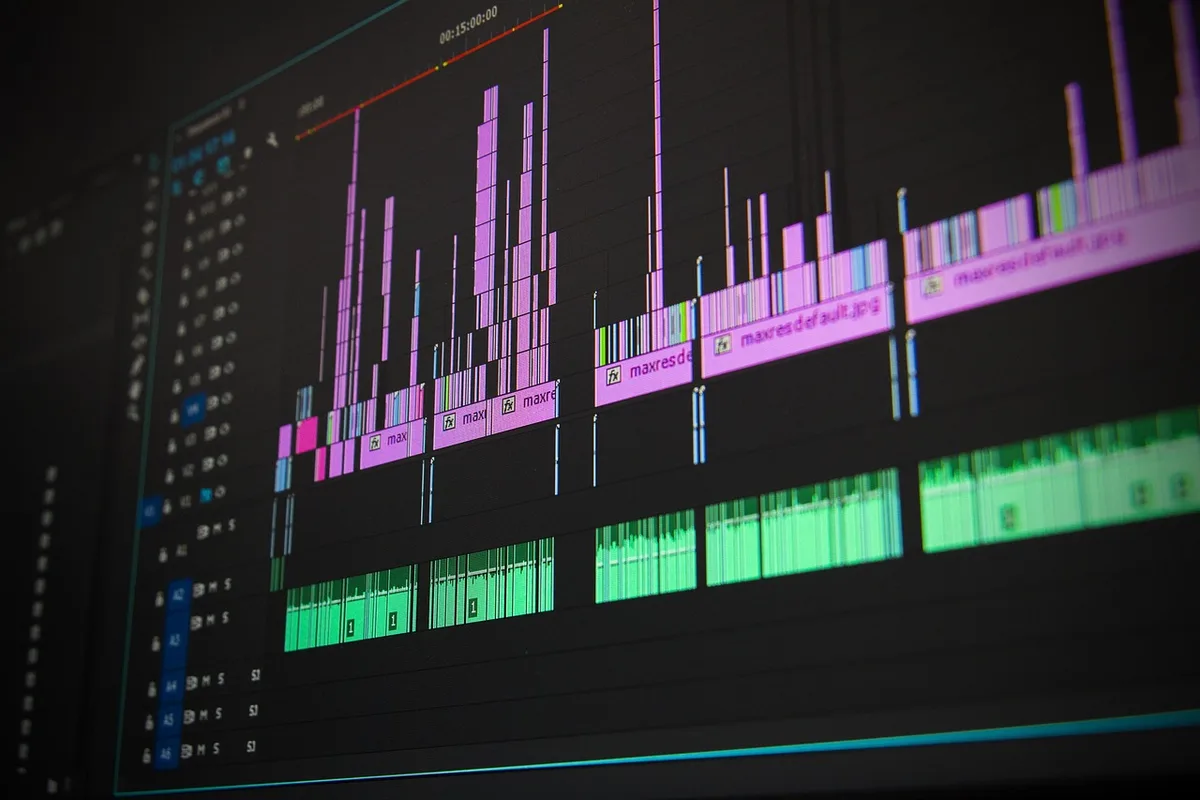
You don't need a Hollywood studio, but a few cheap upgrades will make learning smoother:
- A second monitor (or a tablet as a second screen): Lets you preview footage while keeping the timeline visible.
- Headphones: Built-in speakers hide audio problems. Even a $20 pair of earbuds helps you hear clicks, pops, and background noise.
- External hard drive: Video files are huge. Keep your projects and footage on a fast external SSD to avoid filling your computer's drive.
- Organized folders: Before you import, create folders for footage, audio, exports, and project files. Future you will be grateful.
If you're on a laptop, plug it in and set it on a hard surface. Editing drains battery and heats up components.
3. Learn the Core Editing Concepts (Not Every Button)
You don't need to know every feature. Focus on these five fundamentals first:
- Importing and organizing media: Learn how to bring clips into your software and sort them. Use bins or folders to group by scene or type.
- Trimming and cutting: The bread and butter of editing. Practice cutting clips at the right moment to remove dead air and keep the pace tight.
- Adding transitions: Use simple cuts, dissolves, and fades. Avoid flashy transitions until you understand pacing.
- Working with audio: Adjust volume levels, add background music, and learn to use keyframes to fade audio in and out.
- Exporting: Understand resolution (1080p vs. 4K), frame rate (24, 30, 60 fps), and format (MP4 is universal). Export a test video to check settings.
Spend your first week mastering these basics in your chosen software. YouTube has endless tutorials—search for "[software name] beginner tutorial" and follow along.
4. Practice with Purpose: The 30-Day Learning Plan
Watching tutorials without editing is like reading about swimming without getting in the water. Here's a structured plan to build skills in 30 days:
- Days 1-7: Edit a 1-minute video using only cuts and one transition. Focus on timing.
- Days 8-14: Add music and sound effects. Learn to duck music under dialogue.
- Days 15-21: Create a 3-minute video with titles and basic color correction (adjust brightness and contrast).
- Days 22-30: Edit a 5-minute narrative piece. Incorporate B-roll, adjust pacing, and export in two formats (e.g., 1080p and 720p).
Use free stock footage from Pexels or Pixabay if you don't have your own. The goal is repetition, not perfection.
5. Avoid These Common Beginner Mistakes
- Overusing effects: Too many transitions, filters, and text animations distract from the story. Less is more.
- Ignoring audio: Bad audio ruins good video. Always check levels and remove background noise.
- Not saving versions: Save a new version before making big changes. Hard drives fail; backups save projects.
- Editing without a plan: Outline your video before you start cutting. Know the story you want to tell.
- Comparing yourself to pros: Everyone starts somewhere. Focus on progress, not perfection.
6. Build a Feedback Loop
Share your work with friends or online communities (like r/VideoEditing) and ask for specific feedback: "Is the pacing too slow?" "Is the audio clear?" Don't take criticism personally—use it to improve. Watching your own videos a day later also helps you spot mistakes.
7. Graduate to Advanced Tools When Ready
Once you're comfortable with the basics, consider moving to Adobe Premiere Pro or DaVinci Resolve (if you haven't already). Learn advanced techniques like color grading, multicam editing, and motion graphics. But don't rush—solid fundamentals matter more than flashy skills.
Your Immediate Next Step
Today, download one of the beginner-friendly editors mentioned above (CapCut or iMovie) and edit a 30-second clip from your phone. Focus on cutting out the boring parts and adding a title. That's it. The goal is to start, not to be perfect. Do this daily for a week, and you'll be surprised how much you learn.
If you'd rather have professional edits done for you while you focus on creating content, MLHMTECH offers expert video editing and content production services for creators and brands. Visit mlhmtech.com to see how they can help.