

Someone I worked with recorded a genuinely good podcast episode — a smart, two-hour conversation, two cameras, clean audio — uploaded the raw file straight to YouTube, and watched it do nothing. The retention graph was a cliff: a steep drop in the first thirty seconds, then a long, flat, near-zero line for the remaining hour and fifty-nine minutes. They were baffled, because the conversation was good. And it was good — as a conversation. The problem was that they'd confused a recording with a video, and on YouTube those are two very different things.
Here's what the raw upload looked like to a YouTube viewer. It opened with a minute of "hey everyone, welcome back, how's your week going, before we start don't forget to..." It had the natural dead air, throat-clearing, and false starts of real speech. It wandered into tangents that were fun to be in but tedious to watch. And it was two hours long with no signposting, no visual variety, and no reason given, in those crucial first seconds, to stay. On an audio platform, where people listen while driving or doing dishes, a lot of that is fine — the bar for attention is low because the listener is doing something else. On YouTube, where the viewer is staring at a screen with a million other things one click away, an unedited two-hour recording is dead on arrival.
The mistake is understandable, and it usually comes wrapped in a virtue: authenticity. "It's a podcast, it's supposed to be raw and unfiltered." But raw and unedited are not the same as authentic, and editing a podcast for video isn't about faking anything — it's about respecting the viewer's attention enough to remove the parts that waste it. The conversation stays real. You just stop making people sit through the dead air, the slow start, and the tangents to get to the good stuff. That's not inauthentic. That's editing, which is a service to the viewer.
The good news is that turning a recording into a YouTube video that people actually watch is a learnable craft, and most of it comes down to a handful of moves: start with a hook, tighten the pacing, give the eye something to do, and mine the episode for clips. Here's how to do each one.
Key Takeaways
- A recording is raw material, not a finished video. What works as audio (slow starts, dead air, tangents) dies on YouTube, where attention is scarce and the exits are one click away.
- Cut straight to the hook. Open on the most compelling moment, not "welcome back, how's everyone doing." The first fifteen seconds decide whether the rest gets watched.
- Tighten everything. Remove the ums, dead air, false starts, and tangents. Cutting 20–30% of a raw conversation usually makes it feel twice as alive.
- Give the eye something to do. Cut between speakers and angles, add cutaways and on-screen references. A static single-camera stare is a retention killer over long form.
- Mine every episode for clips. One recording is a content engine — the long video for YouTube plus short clips that feed every other platform and pull people back to the full thing.
A Recording Is Not a Video
The core reframe is this: the raw recording is the ingredient, and the YouTube video is the dish. Nobody serves raw ingredients and calls it cooking, but that's essentially what uploading an unedited recording is. The recording contains a great video inside it, the way a block of marble contains a statue, but it isn't the video yet — it's the material you carve the video out of.
Understanding this changes your whole relationship to the footage. You stop thinking "how do I upload this" and start thinking "what's the best video I can build from this." That means you're allowed to cut, rearrange, tighten, and shape. You're allowed to remove the ten minutes where the conversation lost its way. You're allowed to move the best moment to the front. The recording is not sacred; it's raw footage, and raw footage gets edited. Once you internalize that, most of the specific techniques below follow naturally, because they're all just ways of carving the good video out of the raw block.
The reason this matters so much on YouTube specifically is that YouTube is an attention environment, not a listening one. The platform rewards watch time and retention above almost everything, which means a video that loses people early gets shown to fewer people, which compounds. A raw recording that bleeds viewers in the first minute isn't just failing with the people who clicked — it's telling the platform not to show it to anyone else. The edit isn't cosmetic. It's the difference between the video being seen and being buried.
Cut Straight to the Hook
The single highest-impact edit is the opening. Raw recordings almost always start slow — greetings, housekeeping, throat-clearing, a slow ramp into the actual conversation. On YouTube, that slow start is fatal, because the first fifteen seconds are where the viewer decides whether to stay, and "hey everyone, welcome back, how's your week" gives them no reason to. The first thing to do with almost any podcast recording is to cut the entire warm-up and open on something compelling.
The most effective approach is a cold open: find the single most interesting, provocative, or intriguing moment in the whole episode — a surprising claim, a great story, a moment of tension or insight — and put a short piece of it right at the front, before any intro. That moment promises the viewer that this conversation is worth their time, which earns you the right to then do a brief intro and settle into the episode. You're front-loading the payoff instead of making people dig for it. This is the same principle that governs every piece of video: the opening seconds are a standalone decision that determines whether anything after them gets watched, and a slow intro squanders them. [BACKLINK PLACEHOLDER → suggestion: internal link to article #8, the well-edited video that failed analytics / the four-second cliff]
The instinct to "start at the beginning" is exactly backwards for YouTube. The beginning of the recording is almost never the beginning of the video. Find the moment that makes someone want to keep watching, start there, and build the rest around it.
Tighten Everything
After the opening, the next biggest lever is pacing, and pacing on a podcast edit mostly means removing things. Real conversation is full of material that's invisible when you're in it and painful when you're watching it: the ums and uhs, the half-second of dead air between every exchange, the false starts, the "sorry, what I meant was," the tangent that seemed interesting and went nowhere. None of it reads as authentic on screen; it reads as slow.
The move is what editors sometimes call the invisible edit — tightening the conversation by removing the slack without the viewer noticing anything was cut. You pull out the filler words, close the gaps between sentences, trim the throat-clearing, and cut the tangents that don't earn their length. Done well, the viewer just experiences a conversation that feels crisp and alive, with no idea that you removed a quarter of the runtime to get there. As a rough rule, cutting 20 to 30 percent out of a raw recording is normal and makes an enormous difference — the same conversation, minus the drag, feels dramatically more engaging.
A worthwhile distinction here: this is different from removing all silence. Intentional pauses — the beat after a powerful statement, the moment someone takes to think — are part of good pacing and should stay, because silence used deliberately is a tool, not a flaw. [BACKLINK PLACEHOLDER → suggestion: internal link to article #9, what silence does in a video and why editors are afraid to use it] What you're cutting is the dead air, the accidental slack, not the meaningful pauses. Tightening means removing what wastes the viewer's time while keeping what serves them, and knowing the difference is most of the craft.
Give the Eye Something to Do
Even a well-paced conversation struggles on YouTube if it's visually static. A single locked-off shot of two people talking for an hour gives the eye nothing to do, and a bored eye wanders to the next video. Long-form video needs visual variety to hold attention, and a podcast edit should build that in.
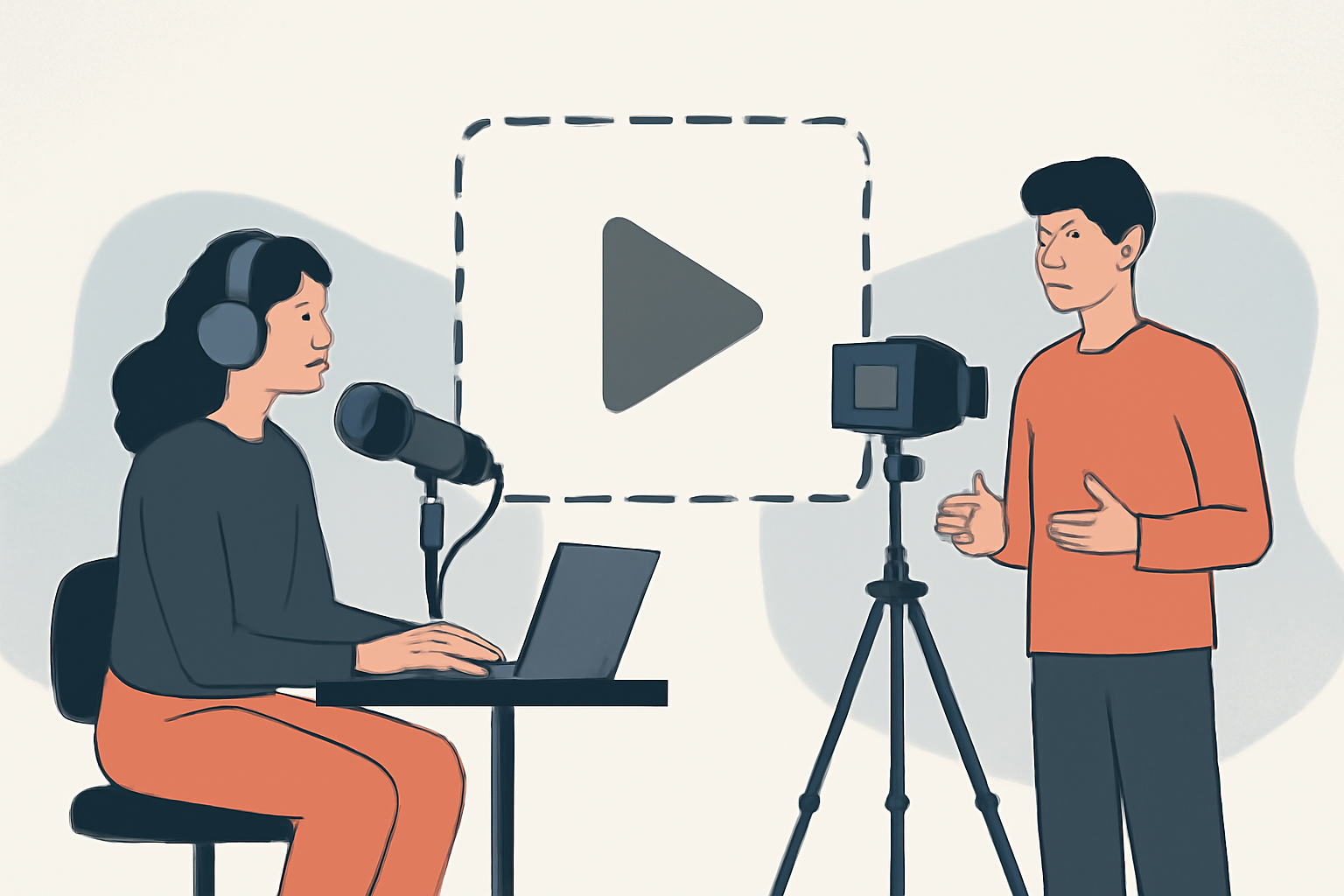
The most basic version is cutting between angles — if you recorded with multiple cameras, cut to whoever's talking, and occasionally to the listener's reaction, so the image is always changing in small, motivated ways. If you only have one camera, you can still create variety by punching in and out (a slightly tighter crop for emphasis) so the frame isn't perfectly static the whole time. Beyond that, cutaways and on-screen elements do a lot of work: when a guest references a specific thing — a product, a chart, a person, a place — showing it on screen keeps the video visually alive and helps the viewer follow. Simple graphics, the occasional relevant b-roll, or a screen share when something technical comes up all give the eye a reason to stay engaged. And on-screen captions, beyond their accessibility value, add a layer of visual movement and keep viewers who are watching with the sound off. [BACKLINK PLACEHOLDER → suggestion: internal link to article #33, how to add captions to videos that don't look amateur]
You don't need to make it frantic — a podcast isn't a fast-cut Reel, and constant motion would be exhausting. But the difference between a static single frame and a video that changes every several seconds, in small motivated ways, is the difference between a viewer who drifts off and one who stays.
Mine Every Episode for Clips
Here's the strategic move that changes the economics of the whole thing: a single podcast recording isn't one piece of content, it's a source for many. The long video is the anchor, but buried inside every episode are several self-contained moments — a great story, a strong opinion, a useful tip — that each make a perfect short clip for other platforms.
The workflow is to edit the full episode for YouTube, then go back through and pull the five or ten best standalone moments as short vertical clips for Reels, Shorts, and TikTok. Each clip works on its own, reaches people who'd never sit down for the full episode, and can point them back to the complete conversation. One recording session becomes a week or more of content across every platform, which is by far the most efficient way for a small operation to stay consistently visible. I've written a full piece on how to turn long-form into short-form that performs, and a podcast is the ideal source material for exactly that engine. [BACKLINK PLACEHOLDER → suggestion: internal link to article #30, how to repurpose long-form video into short-form that performs]
This is also what makes the editing effort worth it. If you're only getting one YouTube video out of a two-hour recording, the edit can feel like a lot of work for one asset. When that same recording produces the anchor video plus ten clips that feed every channel, the editing is powering your entire content operation, and the math changes completely.
🎬 Embed a short walkthrough of a raw podcast segment being edited — cold open, tightening the pacing, cutting between cameras, and pulling one clip for short-form.
The YouTube Layer
A few finishing touches specific to the platform. Add chapters (timestamps) so viewers can navigate a long video and jump to what interests them — this both improves the viewer experience and helps people commit to a long runtime because they can see the shape of it. Give the video a real title and thumbnail that promise a specific payoff, because on YouTube the title and thumbnail do the work of getting the click, and even a perfectly edited video dies if nothing makes anyone open it. And keep captions on, both for accessibility and for the large share of viewers who watch quietly.
None of these replace the edit — a great thumbnail on a slow, unedited video just gets people to click and then leave, which is worse than not clicking. But on top of a well-edited episode, they're the layer that helps the right viewers find it and stick with it.